Smart Server Room
“The server-room air-con fails at night, found out when systems go down”
Rack R3 runs 4 °C hotter than its neighbours since the new server went in — fit blanking panels
- Inlet temperature per row, ordered so the hottest rack stands out
- The room unit's setting against the temperature actually measured
- The IT room's power, separate from the rest of the building
- AlarmBox status and when it was last acknowledged
Figures on this screen are illustrative; a real one shows readings from your own site.
What you see
- The main air-con unit fails and the temperature climbs with nobody there
- Humidity too high or too low, putting equipment at risk
- No idea how much power the room draws
What we do
Temperature and humidity measured around the racks and the room's power metered, with an instant LINE alert and an AlarmBox light and buzzer that staff acknowledge on the spot, the time logged automatically.
How it works
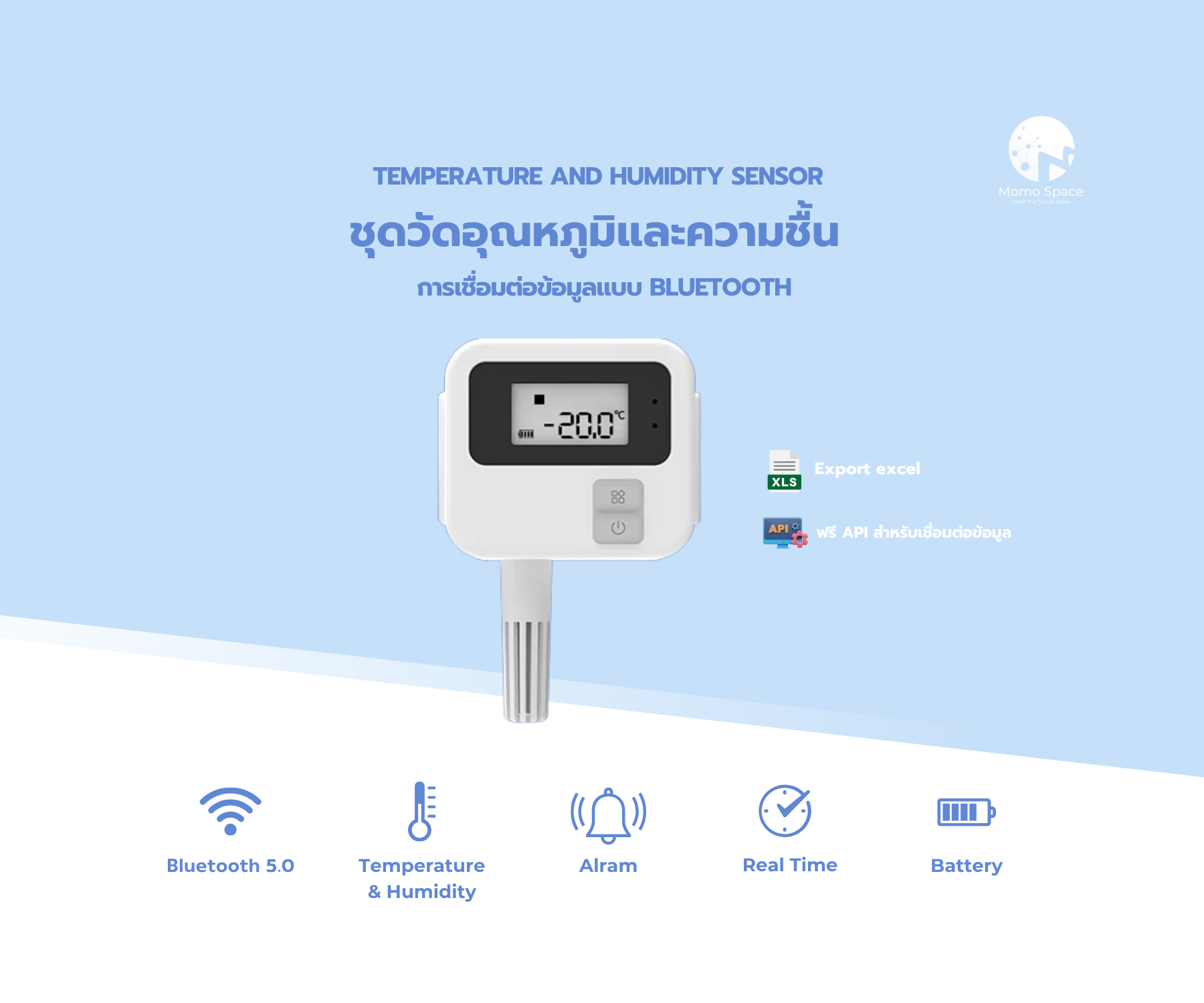
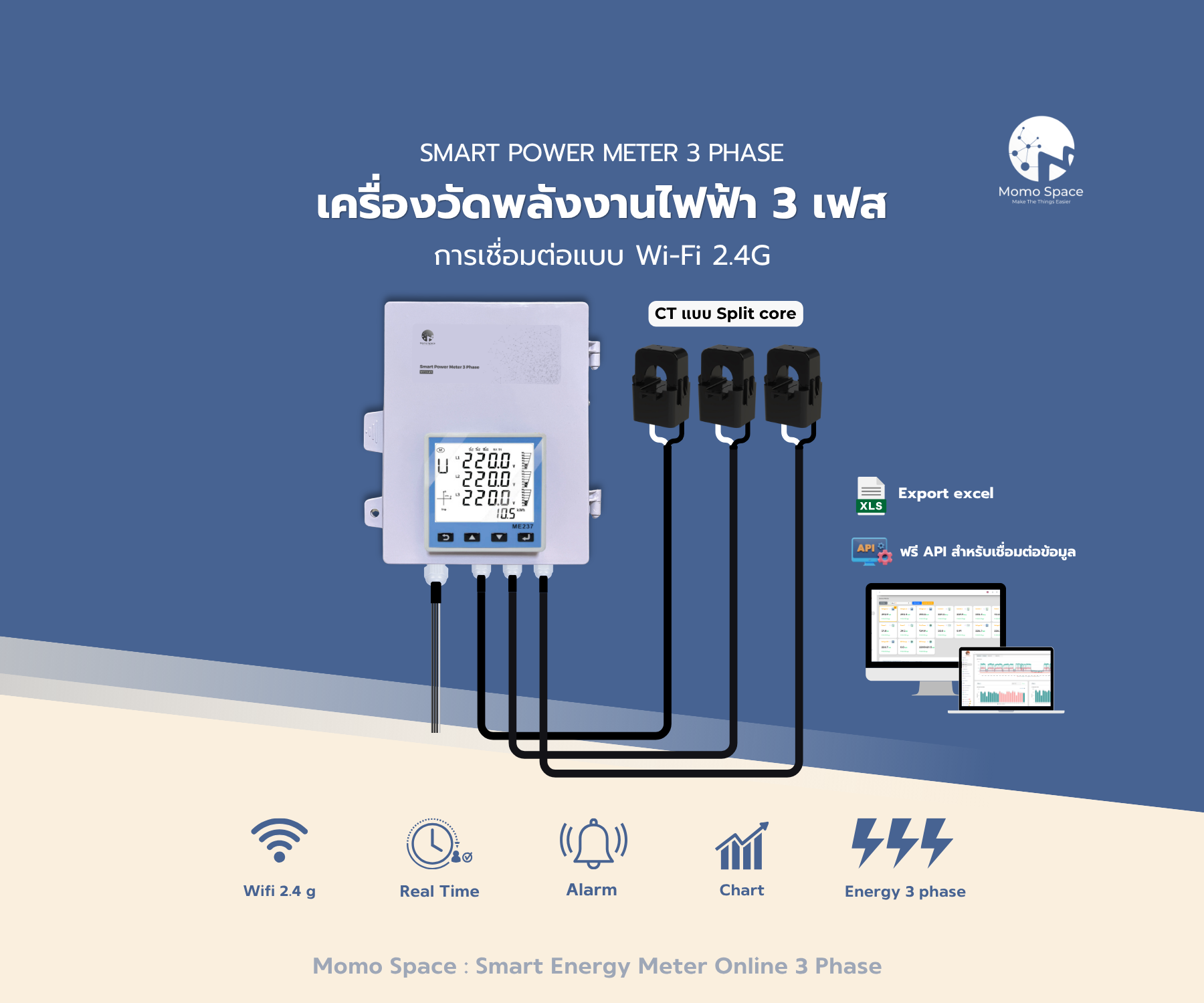
Temperature and humidity at the rack fronts, plus the room's power
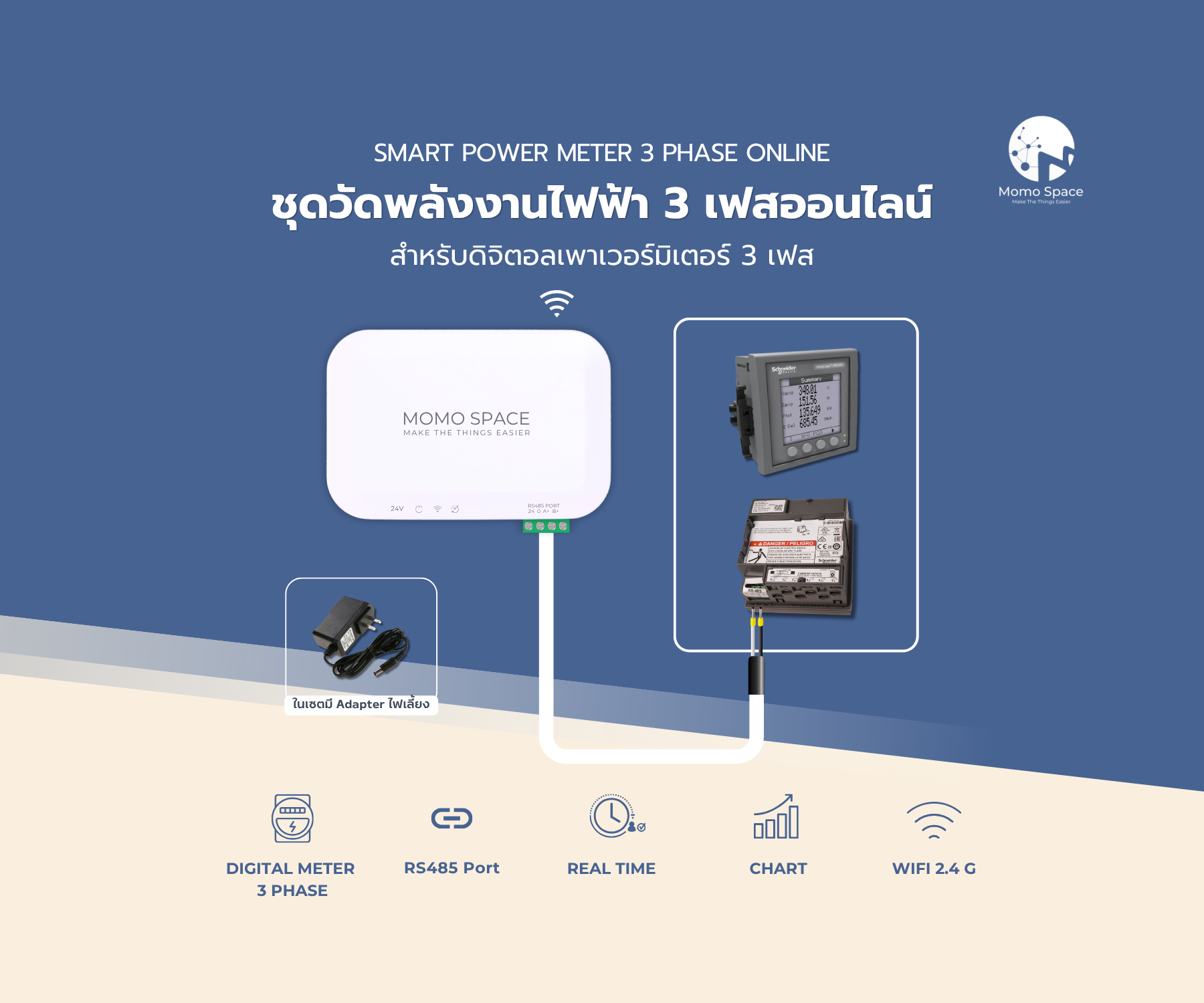
Collects the sensors and meters and sends them to the cloud over WiFi
History on servers in Thailand, PDPA-compliant, backed up daily
Momosight compares racks, finds the one running hotter than its neighbours and says what is likely behind it
Every rack and room on one screen, with the room's power beside them
LINE plus a light and buzzer at the door, with the acknowledgement timestamped
What it does
Measured where the cold air enters each rack, so a hot cabinet is obvious.
Too high risks condensation, too low risks static; the system warns on either.
The IT board's load, separate from the rest of the building — useful before adding racks.
A light and buzzer for whoever is nearby, and the acknowledgement is timestamped.
LINE, email and Telegram, with recipients set per shift.
Charts and exports to attach to a report or to work out what happened.
Devices used in this system
Prices are per set; how many you need depends on the site.

Where it fits
From a few racks to a mid-sized room
IT rooms that cannot go down
Control rooms and panels held at temperature
Where history and instant alerts are required
MDF and IDF rooms floor by floor
Server rooms without staff on site at all hours
How we work with you
- 01Survey the room
Count the racks, look at the airflow, agree the points worth measuring.
- 02Install and test
Sensors at the rack fronts, a meter on the IT board, and the alerts tested for real.
- 03Thresholds and recipients
Temperature and humidity limits, and the IT team's LINE group by shift.
- 04Support afterwards
Annual MA with remote and on-site support.
Related documents
Questions about this system
How many points does a room need?
It depends on the racks and the layout. A small room usually starts with two or three: the hottest rack front, the cold-air inlet and the middle of the room. Our engineers assess it on site.
Does it still alert in a power cut?
The device has battery backup and keeps recording, uploading the gap once it reconnects. Whether an alert goes out during the cut depends on whether the network gear is still up.
Can it talk to our existing BMS?
Yes — the platform speaks Modbus RTU/TCP, BACnet and OPC UA. Tell us the models you have and we will check before quoting.
Is the AlarmBox necessary?
Not required, but it helps when nobody is looking at a phone: a light and buzzer on site, and an acknowledgement that is timestamped for later review.