Smart Hotel
“Empty rooms with the air-con on, and guests complaining first”
2 vacant rooms still have the air-con on (5F and 3F) — send the list to housekeeping for their round
- Rooms floor by floor, taken and free
- Vacant rooms still being cooled are highlighted first
- Occupancy set against the plant's consumption
- Temperature and humidity in the public areas
Figures on this screen are illustrative; a real one shows readings from your own site.
What you see
- No single view of how many rooms are free tonight or what occupancy is
- Vacant rooms left cooling, so the power bill doesn't fall with occupancy
- Lobby, restaurant or kitchen cold room drifting in temperature or humidity unnoticed
What we do
One dashboard showing room status on every floor, occupancy, plant power use, and temperature and humidity in public areas, with LINE alerts when something is off.
How it works
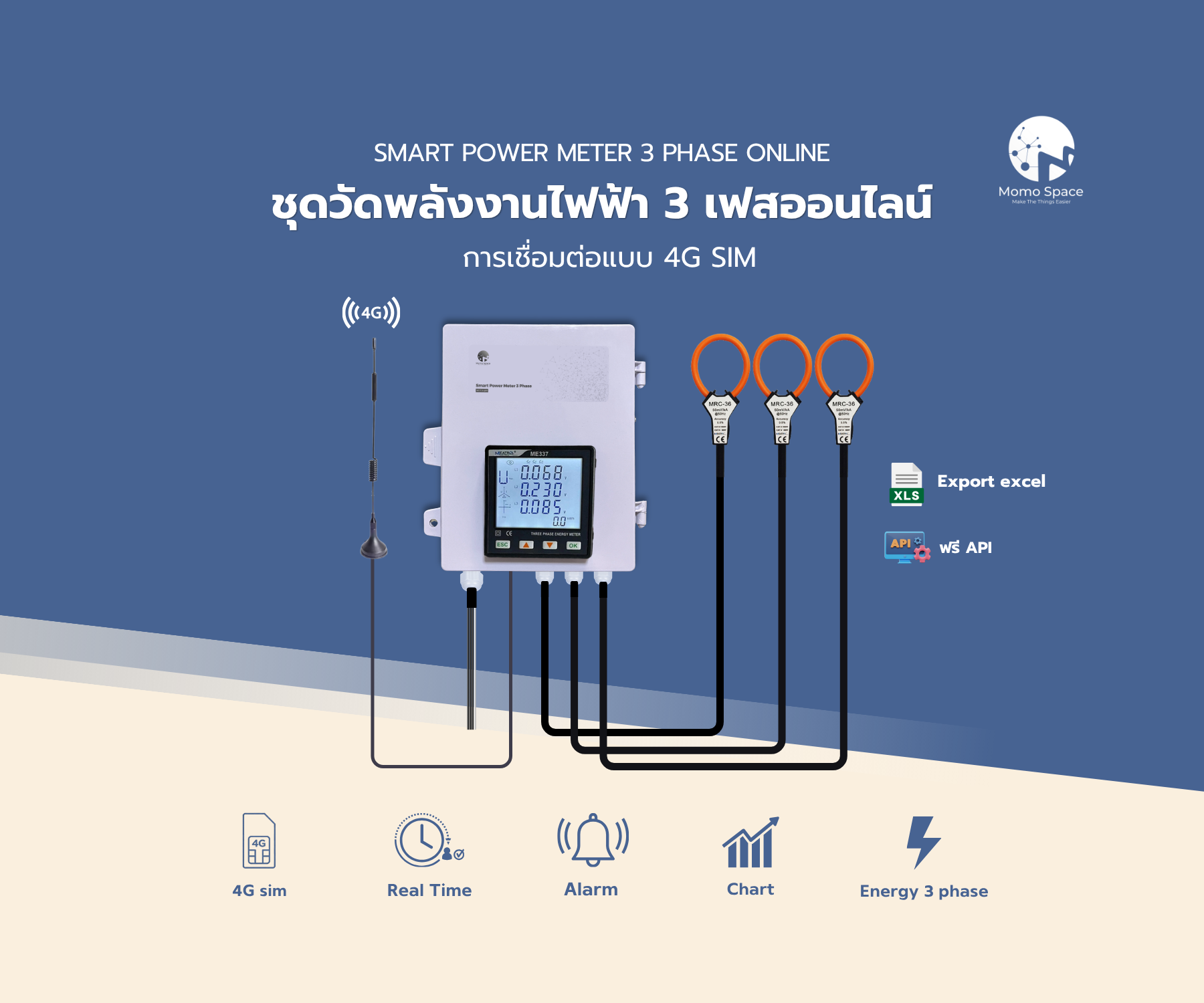
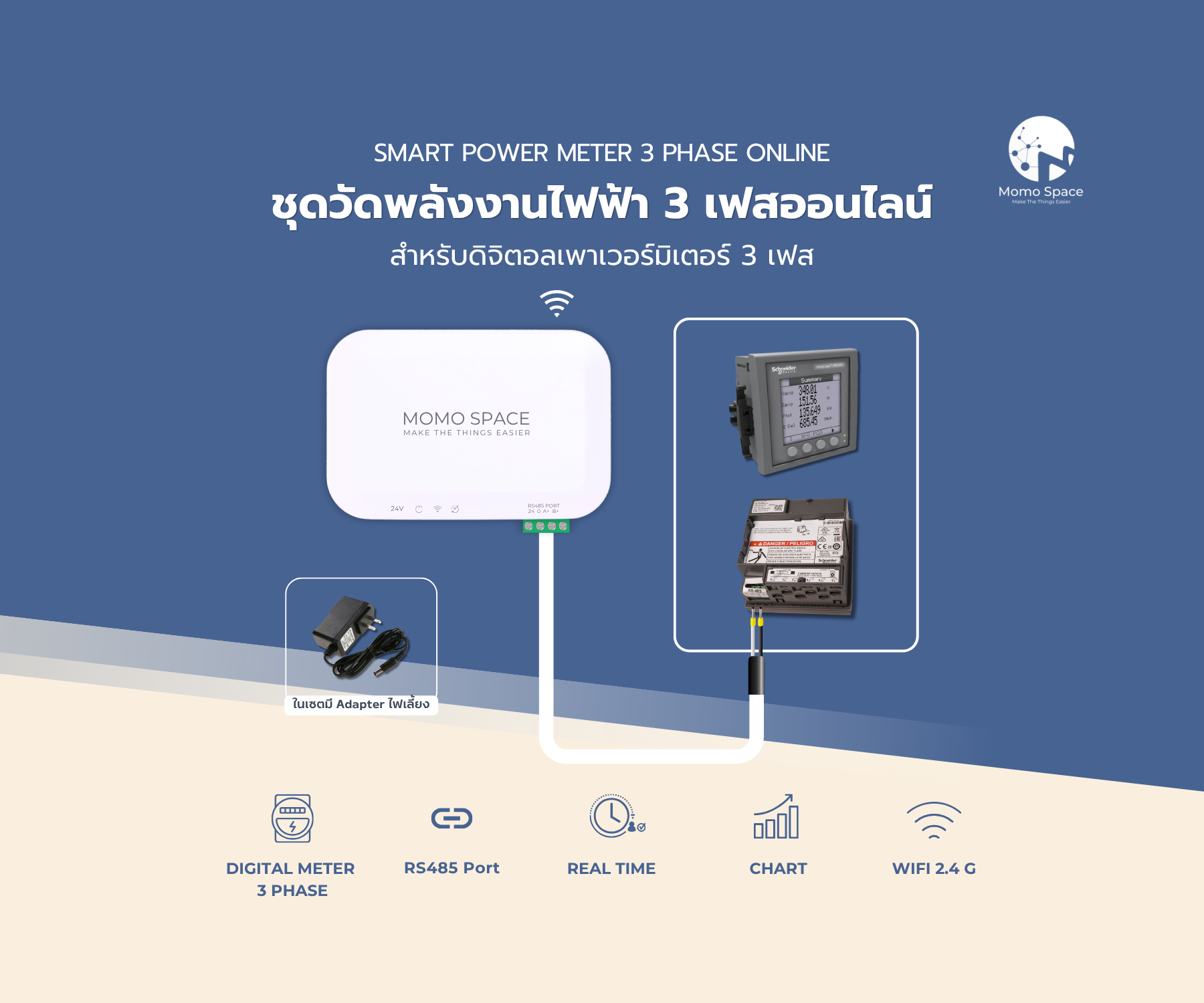
Plant power, chiller temperatures, kitchen cold rooms and the public areas
Collects every meter and sensor in the hotel and sends them up
History on servers in Thailand, PDPA-compliant
Momosight sets consumption against occupancy and points at what doesn't track the guest count
Room status, occupancy, energy and climate on one screen
LINE the moment plant or a cold room drifts — before a guest notices
What it does
How many rooms are taken and how many are free, next to what the hotel is drawing.
Chillers, hot water, pumps and the kitchen, each on their own.
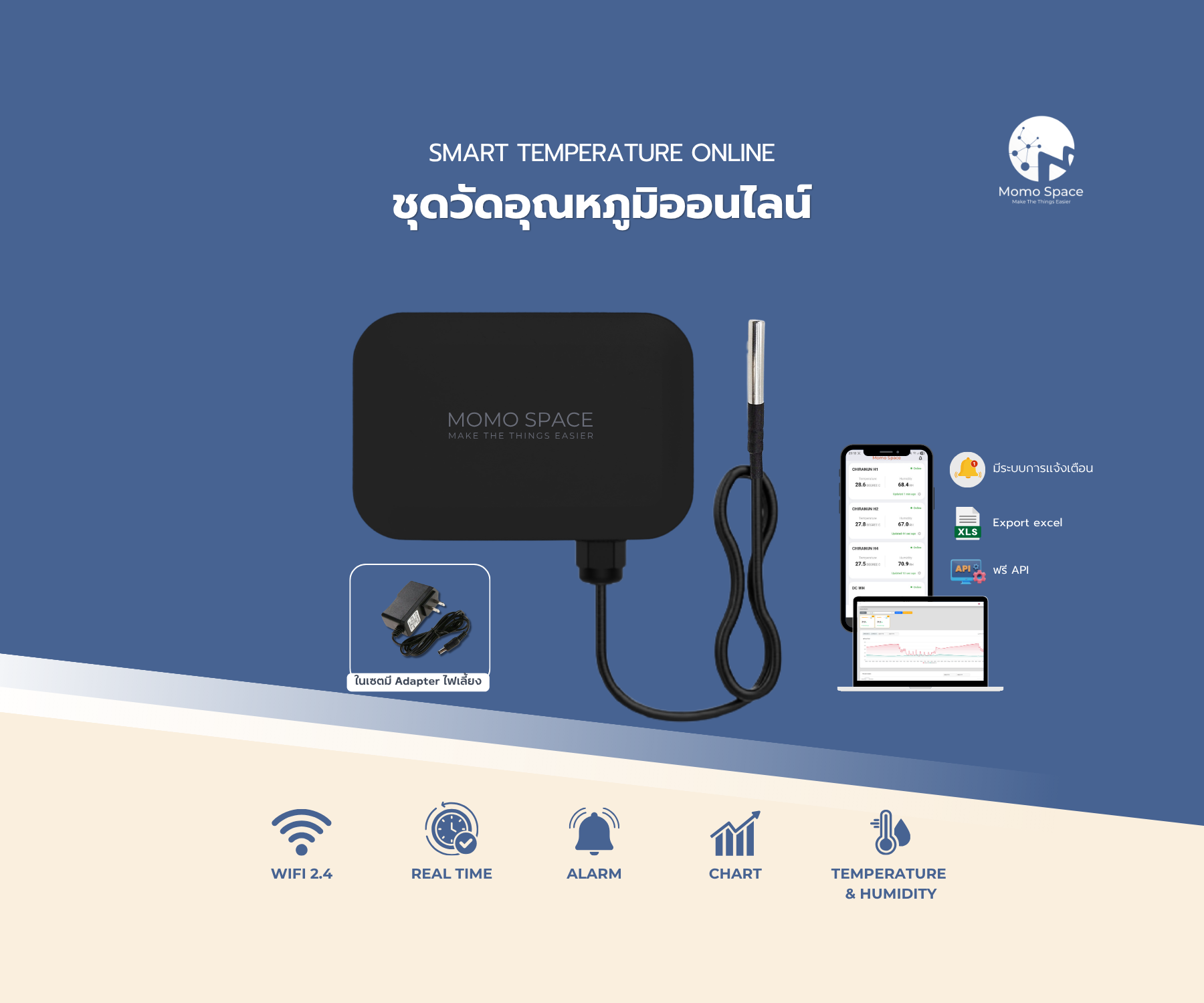
Cold rooms and fridges monitored around the clock, with warning before stock is lost.
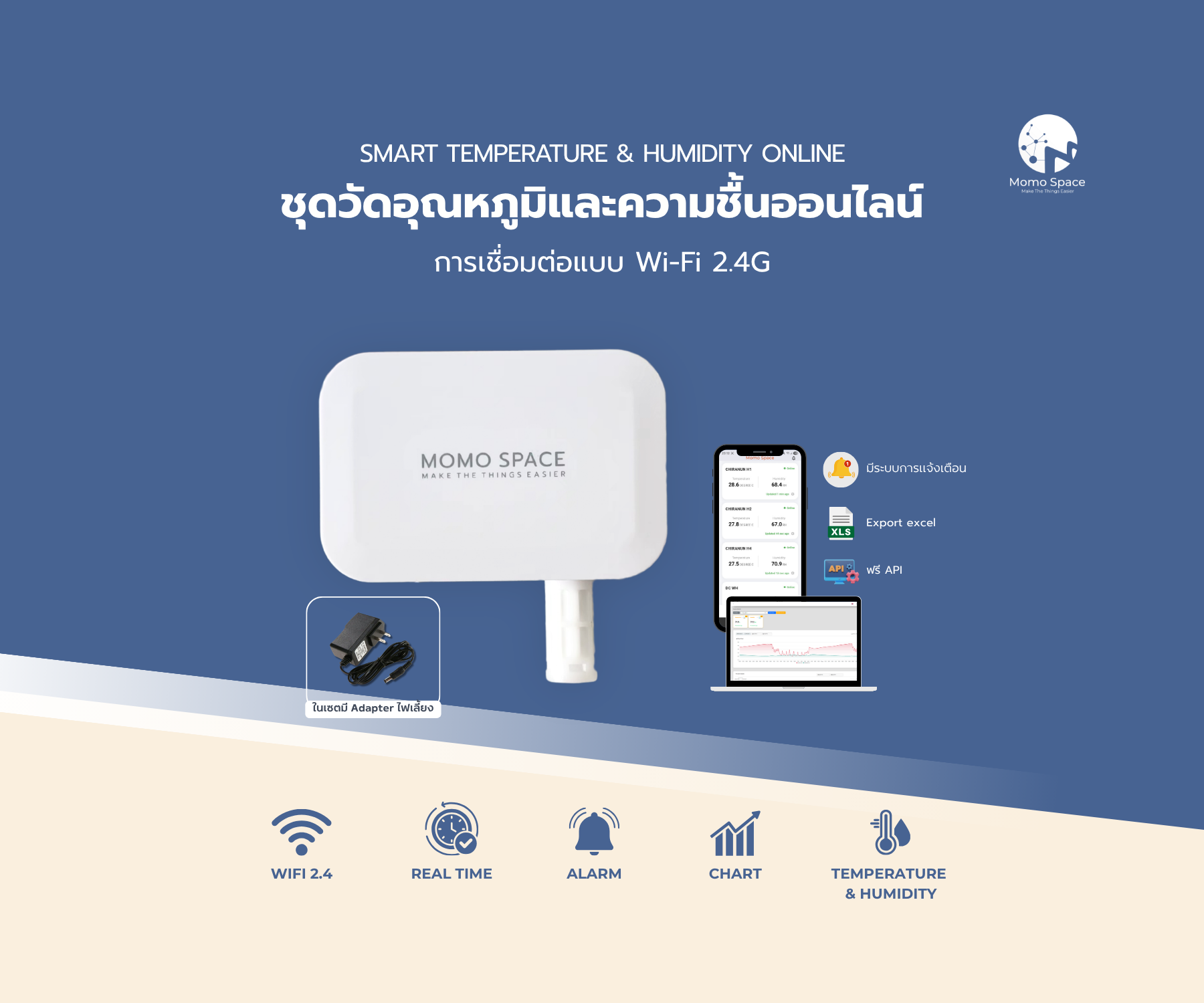
Lobby and restaurant temperature and humidity, for the guests' sake.
A LINE alert as a reading starts to move, instead of a call from a guest.
Every property in one place, and comparable with each other.
Devices used in this system
Prices are per set; how many you need depends on the site.
Where it fits
Many rooms and central plant
Buildings spread across the grounds
Longer stays
A couple of engineers covering everything
Kitchens and cold rooms to watch
Properties to compare
How we work with you
- 01Survey the plant
Panels, main plant, cold rooms, and how many rooms to follow.
- 02Install and test
Meters and sensors fitted, then checked against what the site actually shows.
- 03Thresholds and recipients
Temperature and energy limits, and the engineering team's LINE group per shift.
- 04Support afterwards
Annual MA with remote and on-site support.
Related documents
Questions about this system
Does it have to connect to our PMS?
No — it runs on our own meters and sensors. Pulling room status from an existing PMS is possible but is scoped as an integration of its own.
Can it be installed without disturbing guests?
Most of the work is in plant rooms and panels and can be booked off-peak; anything inside guest areas is scheduled around housekeeping or while rooms are empty.
Will it actually cut the power bill?
What the system does is show where the energy goes and when it stops tracking occupancy. How much comes off the bill depends on what the team changes; we do not promise a figure in advance.
Can we see several properties at once?
Yes. All of them sit in one system, viewed together or separately, with access limited per property.